
Bring Your Building Vision to Life
Plan your pole shed, garage, shop, or agricultural building online. Explore the shape, roof, colors, openings, porches, interior layers, and framing in a guided 3D workspace. Have a project in mind? Send a short inquiry without creating an account.
See how the Studio works ↓- No obligation
- Easy guided steps
- Saved to your account
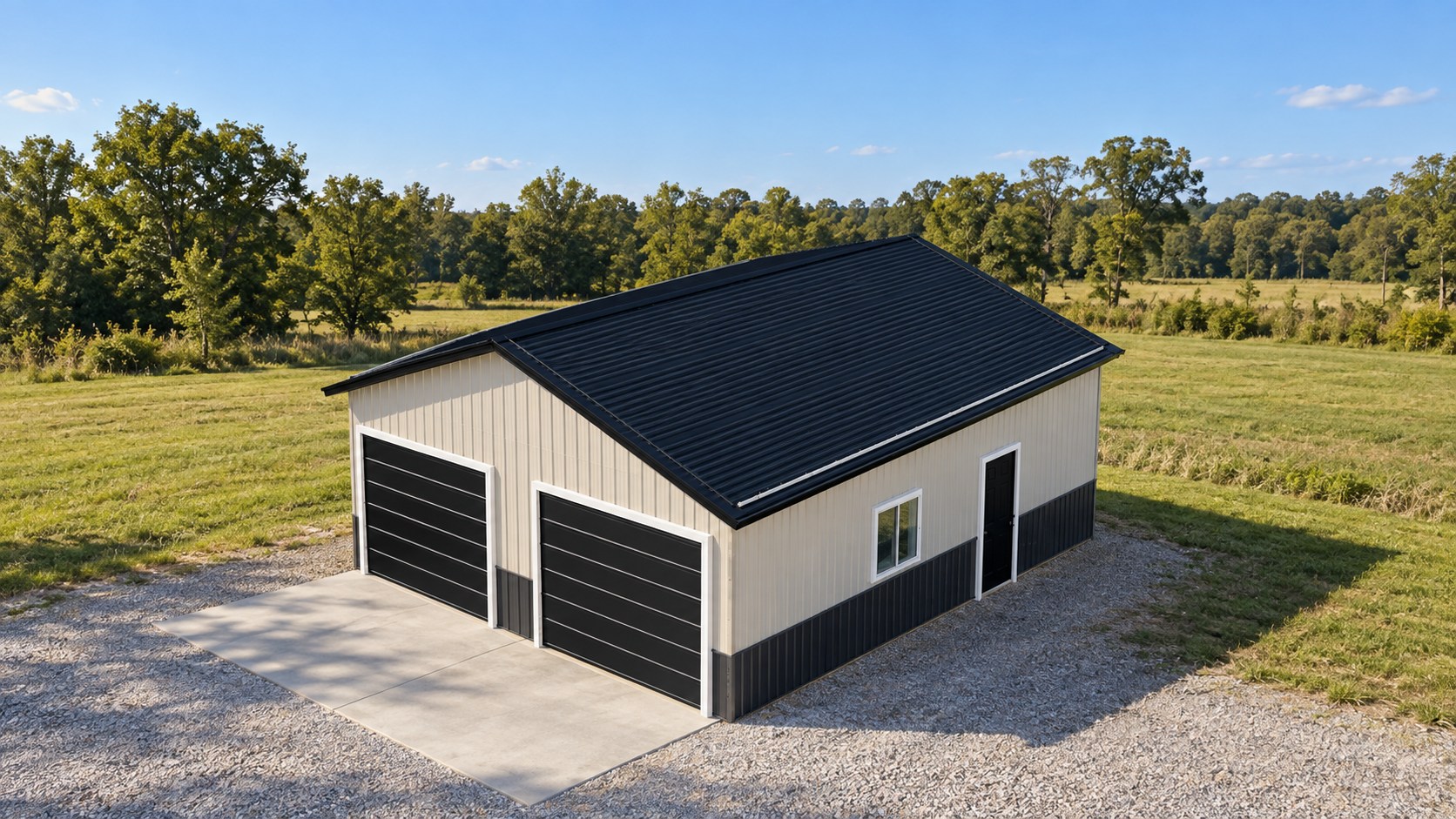
From Vision to Review in 4 Simple Steps
Your customer account keeps every concept connected to your project location and Bontrager team.
Choose your building
Start with a pole shed, garage, shop, or agricultural building.
Customize the details
Adjust size, roof, framing, colors, doors, windows, porches, and interior layers.
Inspect every view
Rotate the model, open framing and assembly views, and save your concept.
Request an estimate
Submit the design for a personal Bontrager review and next steps.
Choose Your Starting Design
Each preview shows the actual Studio configuration you will open. Customize every starting design to suit your project.
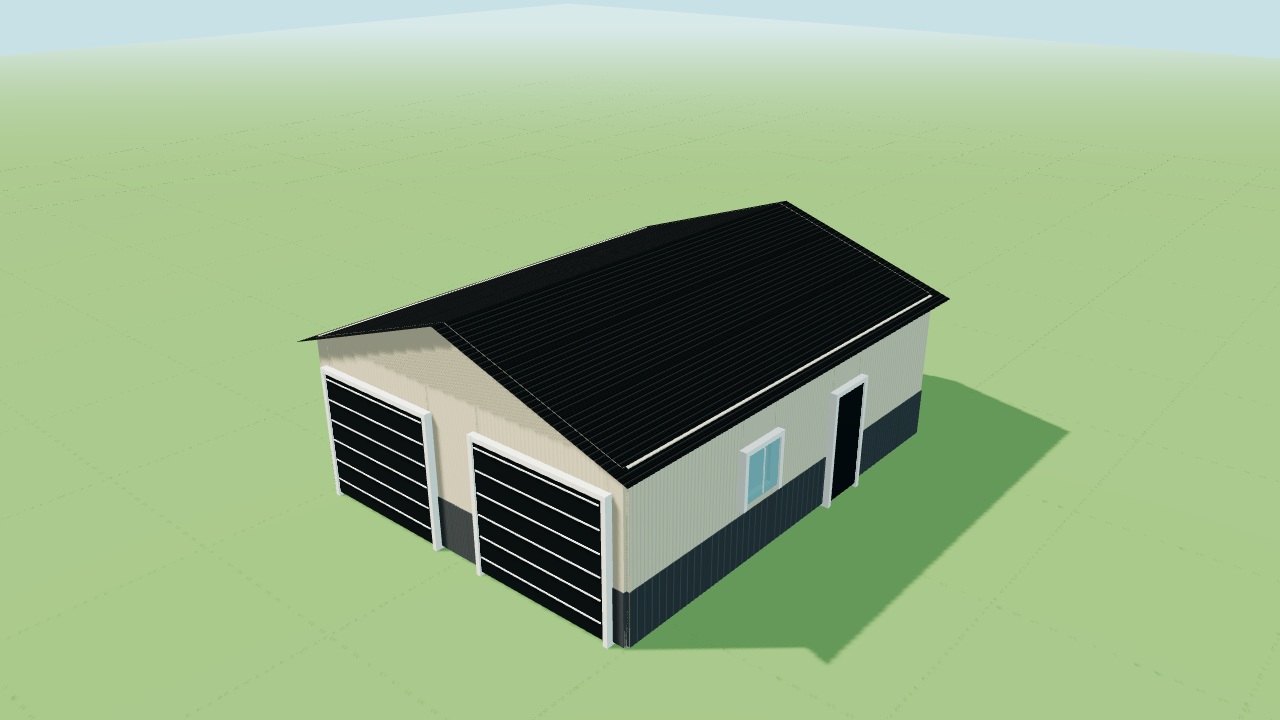
Two-Car Garage
24 × 30 × 10 ft · Gable roofA compact garage with two overhead doors and room for everyday storage.
Customize this design →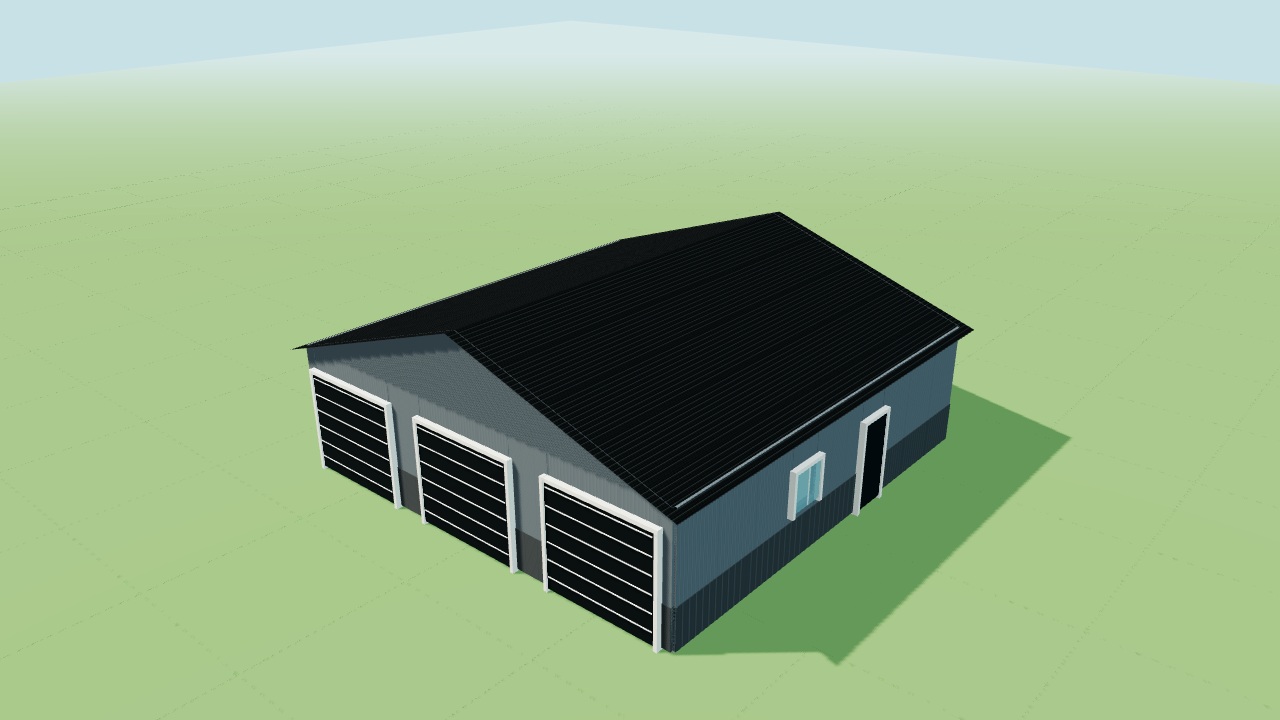
Three-Car Garage
36 × 36 × 10 ft · Gable roofThree individual vehicle bays with space for tools and equipment.
Customize this design →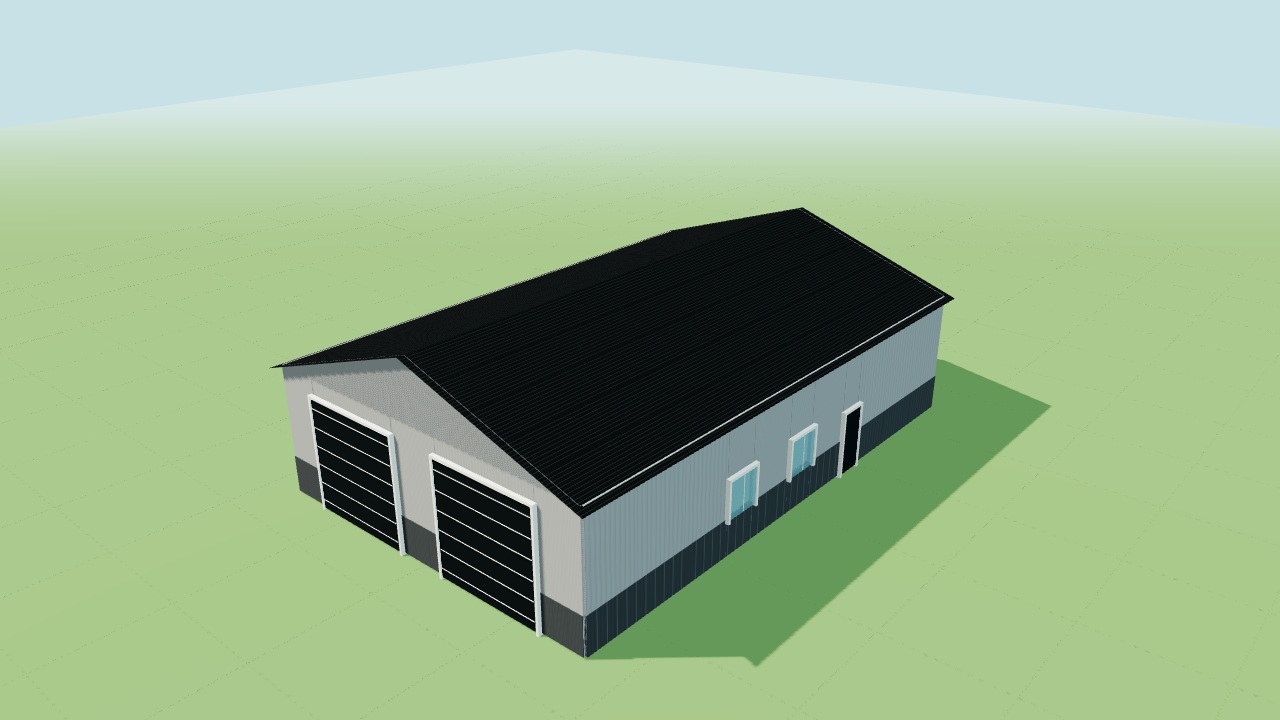
Workshop
40 × 60 × 14 ft · Gable roofA versatile shop with tall overhead access and natural light along the sidewalls.
Customize this design →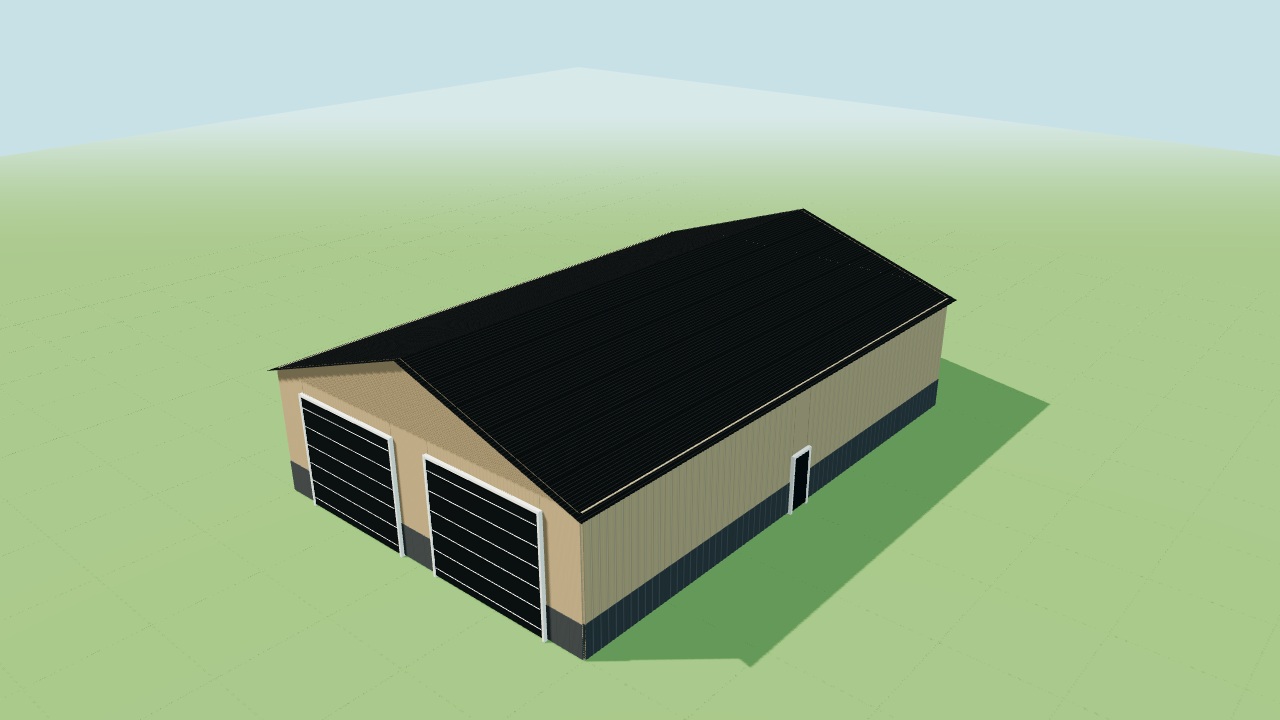
Equipment Shed
48 × 72 × 16 ft · Gable roofWide, tall access for machinery and a practical equipment storage layout.
Customize this design →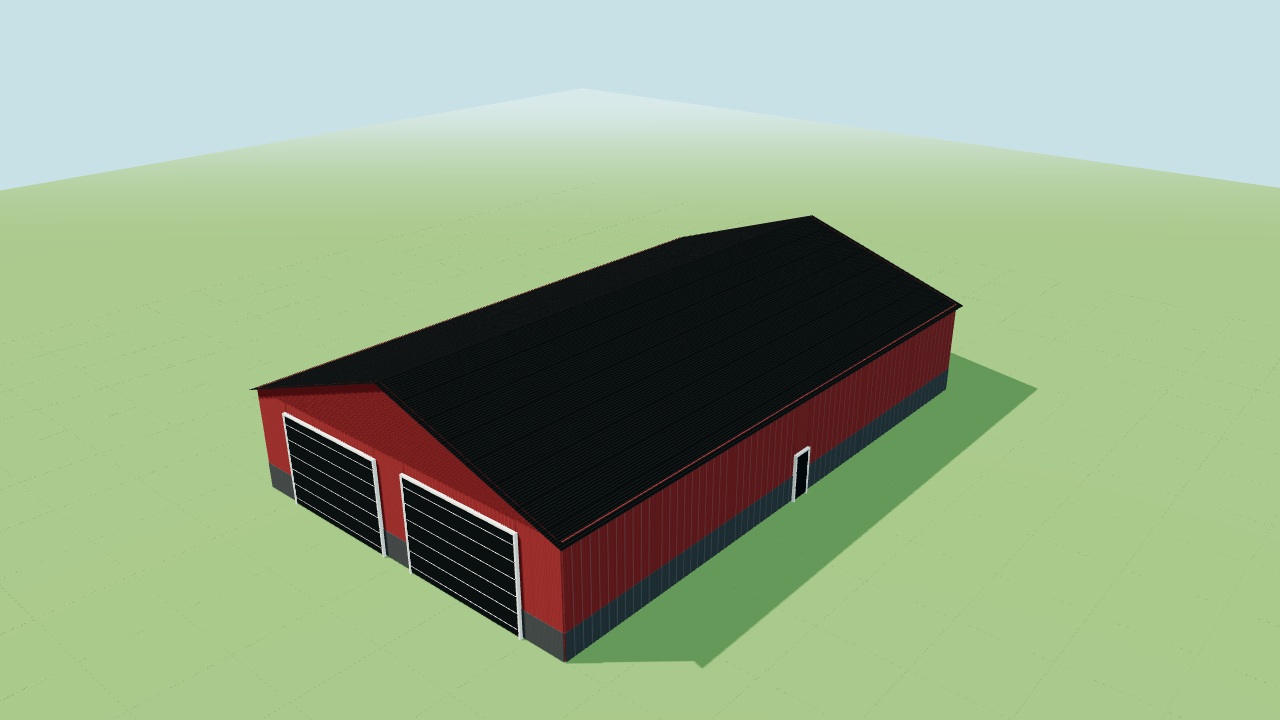
Farm Storage
60 × 96 × 16 ft · Gable roofA larger agricultural storage building with two generous front access bays.
Customize this design →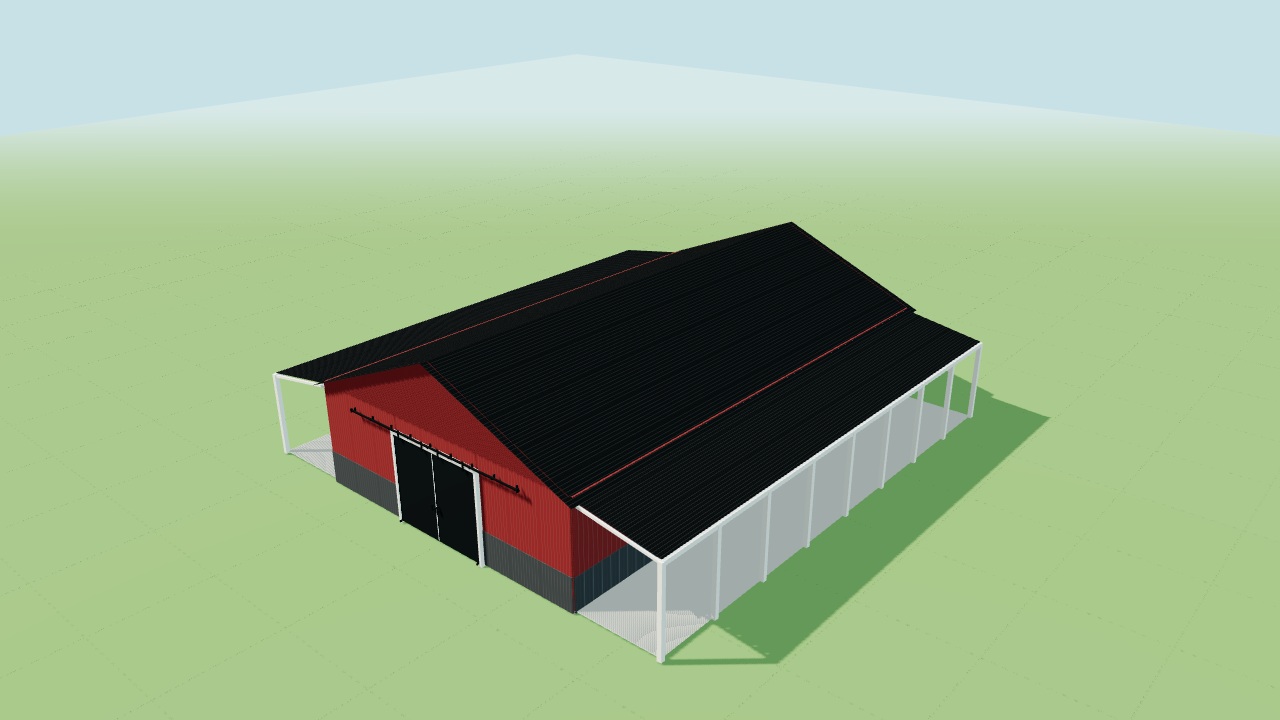
Horse Barn
36 × 60 × 12 ft · Gable roofA barn shell with a sliding front door and covered runs on both sidewalls.
Customize this design →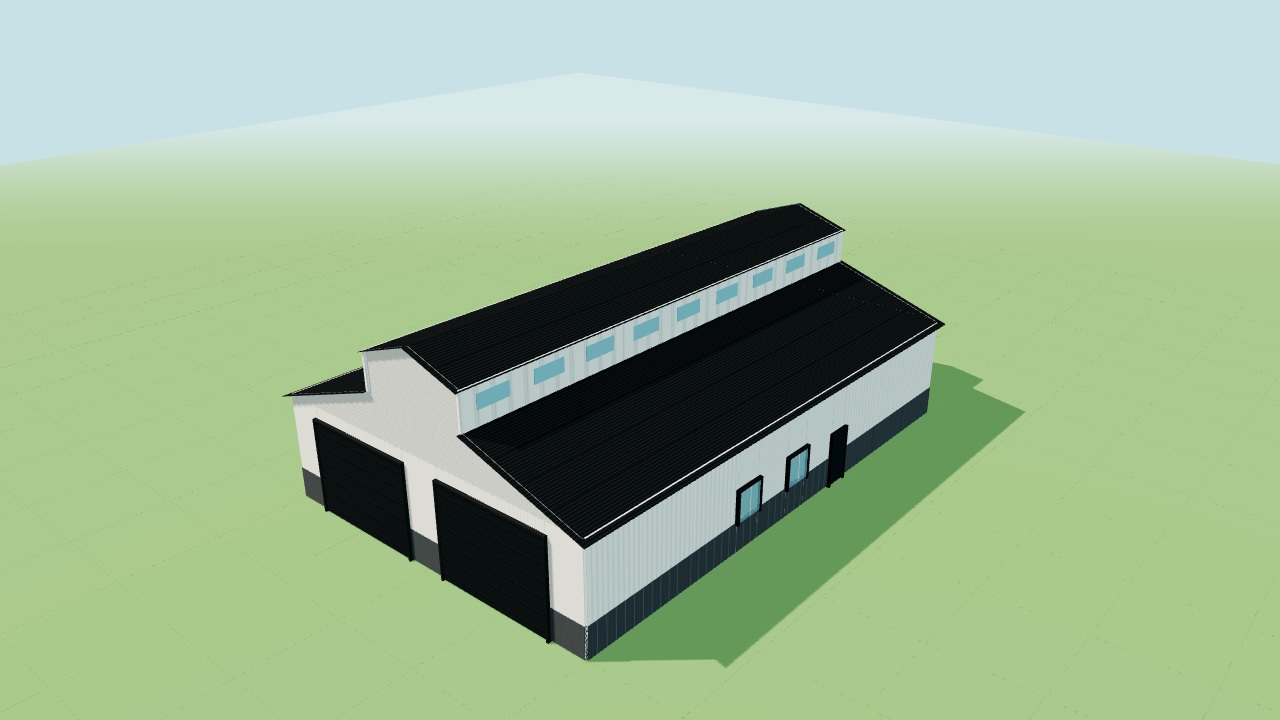
Monitor Barn
48 × 72 × 14 ft · Monitor roofA raised monitor roof gives this agricultural building its distinctive profile.
Customize this design →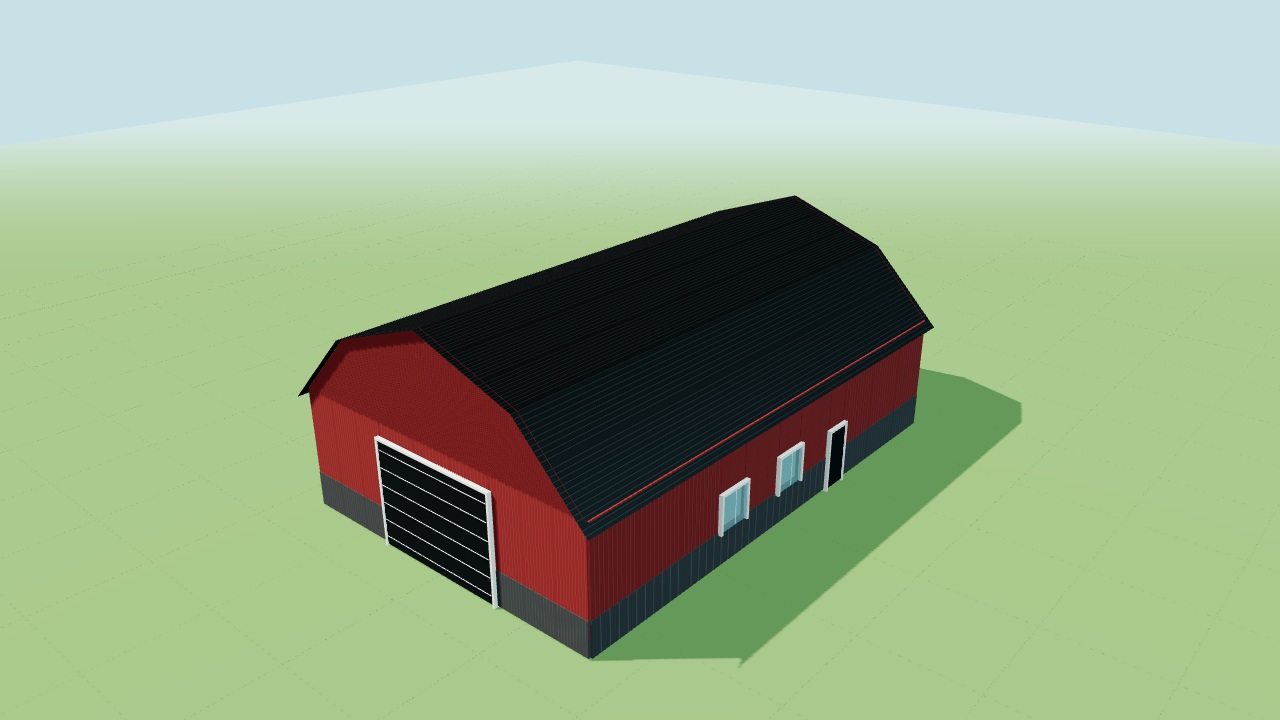
Gambrel Barn
40 × 60 × 14 ft · Gambrel roofA traditional gambrel roof with a wide front door and sidewall windows.
Customize this design →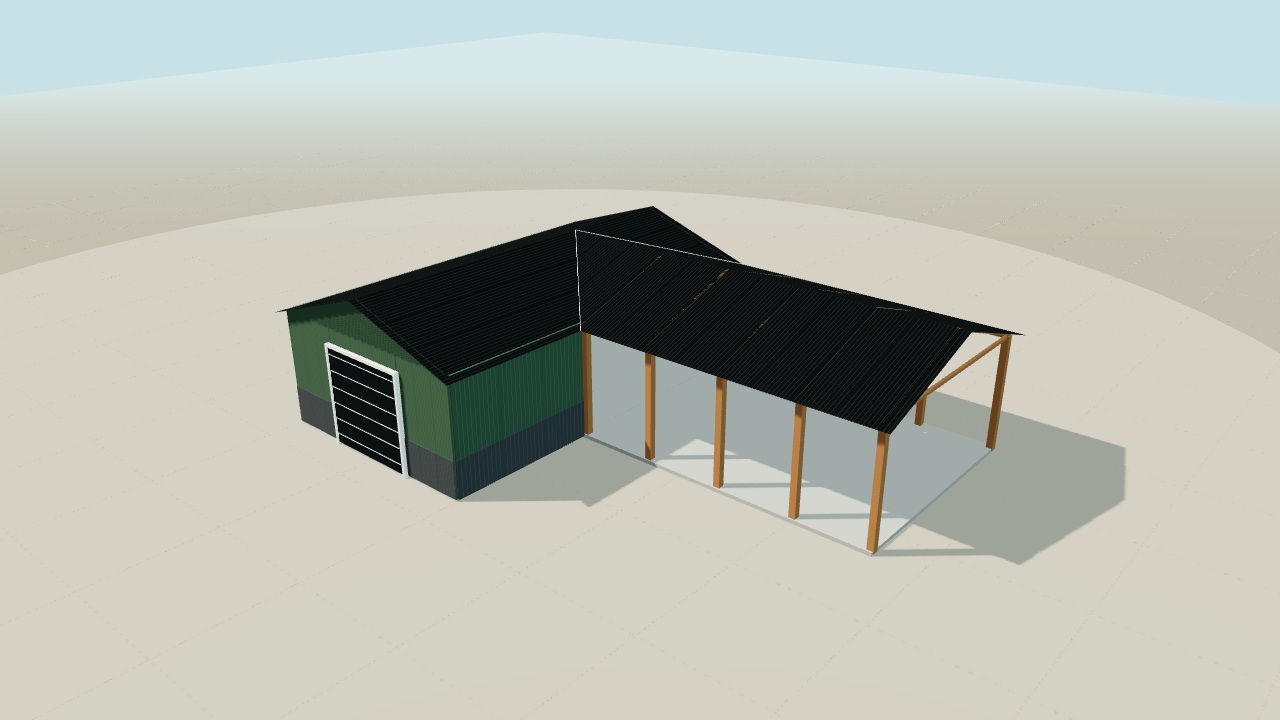
Covered Equipment Shelter
24 × 40 × 12 ft · Gable roofAn enclosed storage core with an open post-frame equipment bay alongside it.
Customize this design →A Smarter Way to Plan Your Building
Use clear design steps, realistic roof forms, framing and assembly views, and a saved project record before construction planning begins.
Start Designing Your Building Today
Create an account to save a 3D design, or send a short inquiry without an account and our team will follow up.